Halloween 2026 AI Costume Studio
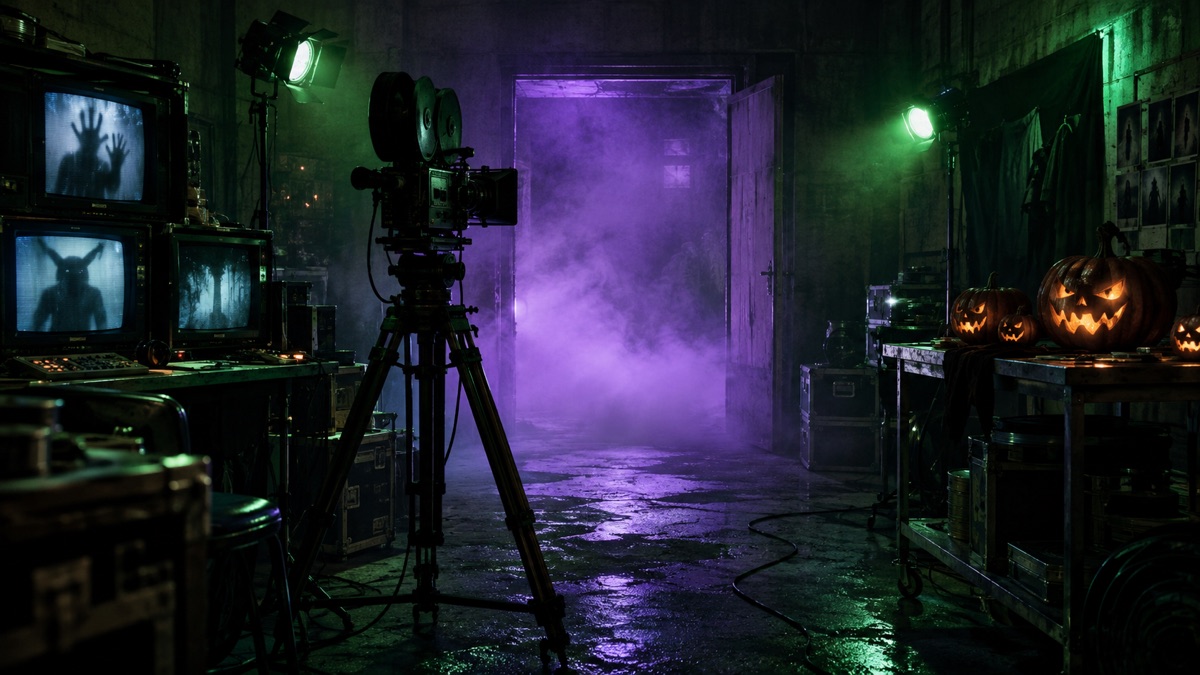
Choose a tested costume preset, edit a photo without losing the face, or animate the result into a five-second horror clip. The studio runs on GPT Image 2 for stills and Wan for motion.
Quick answer
- Pick a look, upload your own photo, and generate an original Halloween portrait in about a minute.
- The photo editor changes costume, background and lighting while asking the model to preserve the face.
- The video route turns a finished portrait into a five-second clip with one small motion and one camera move.
- Every preset includes the exact prompt, so you can run it here or copy it into Gemini, ChatGPT or another image tool.
What you can make in the studio
There are three separate jobs, and they fail for different reasons. Treating them as one button is why most Halloween AI tools produce a mask instead of a portrait.
- Costume portrait. Start from a text description or a selfie. The model builds an original costume, scene and light around the person.
- Photo edit. Start from a real photo. The model keeps the face, pose and body proportions, then changes the outfit, background and grade.
- Image-to-video. Start from a finished still. The model adds a small, continuous motion for about five seconds.
The best results come from doing them in order. Generate or choose a still first, inspect the face and hands, then animate the version you actually like. A video model will faithfully animate a bad edit, including the extra finger.
Eight tested looks
These are original looks, not copies of a film character or another artist’s costume. Each one has a full guide with the exact prompt, pose advice and a motion recipe.
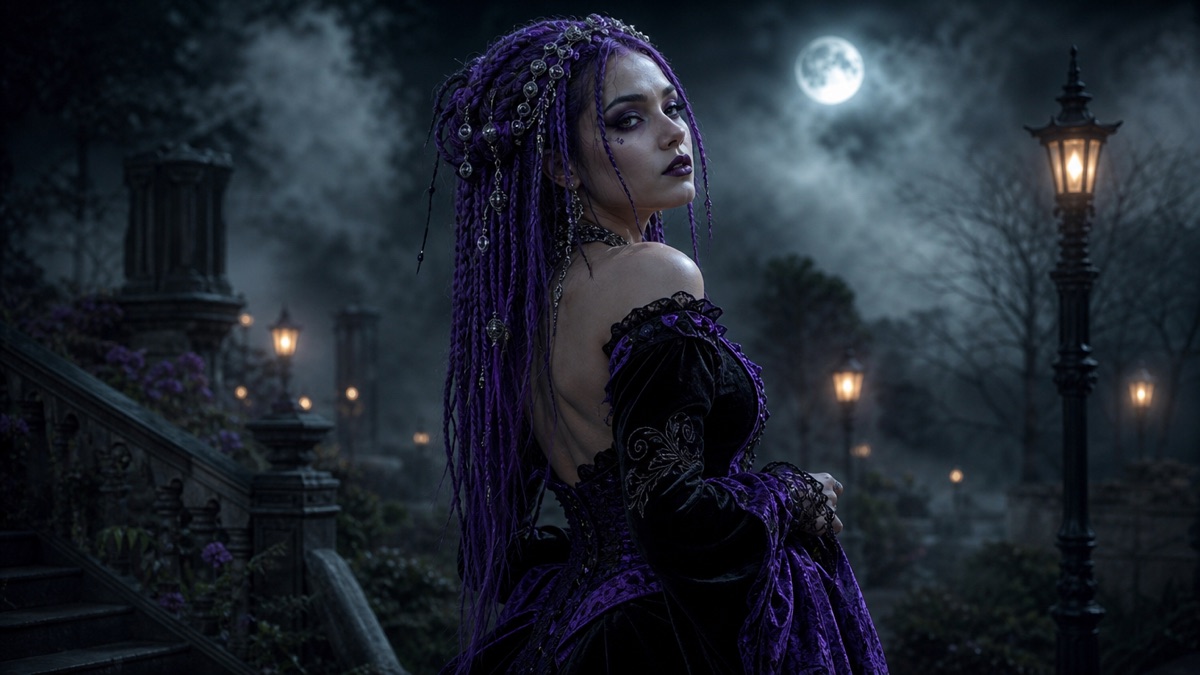 Gothic portrait
Midnight Braids
Violet braids, silver hair jewelry and black velvet in a moonlit Victorian garden.
Gothic portrait
Midnight Braids
Violet braids, silver hair jewelry and black velvet in a moonlit Victorian garden.
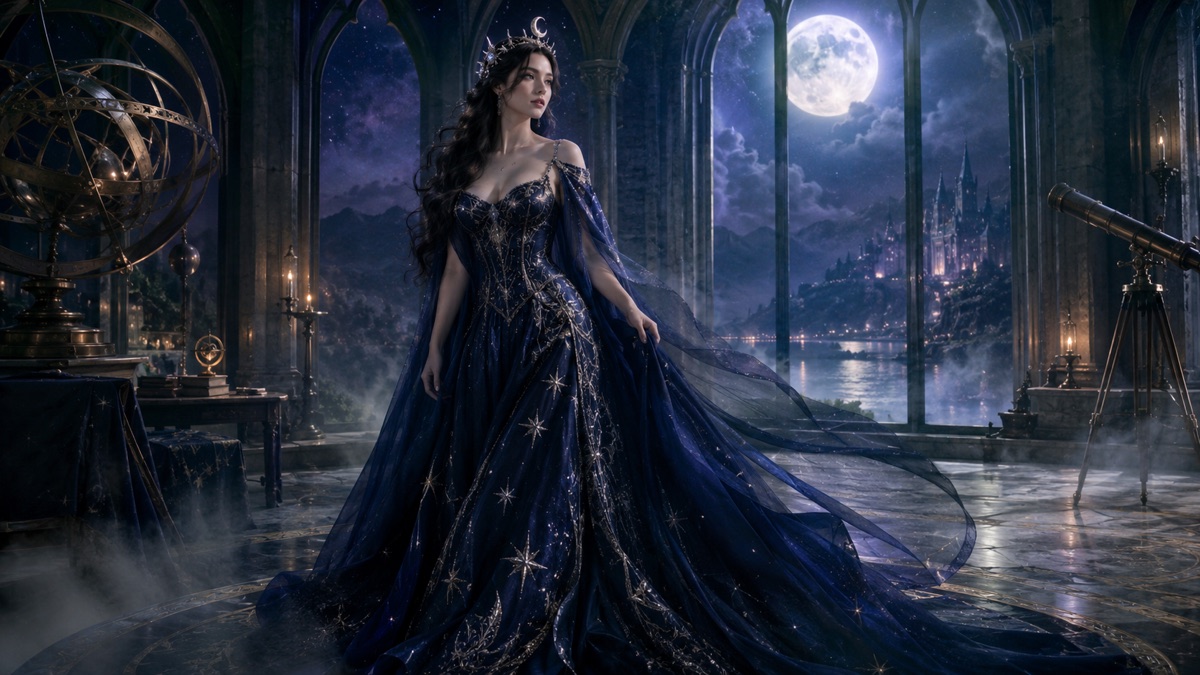 Celestial fantasy
Cosmic Princess
A midnight-blue gown, silver star embroidery and a moon crown in a moonlit observatory.
Celestial fantasy
Cosmic Princess
A midnight-blue gown, silver star embroidery and a moon crown in a moonlit observatory.
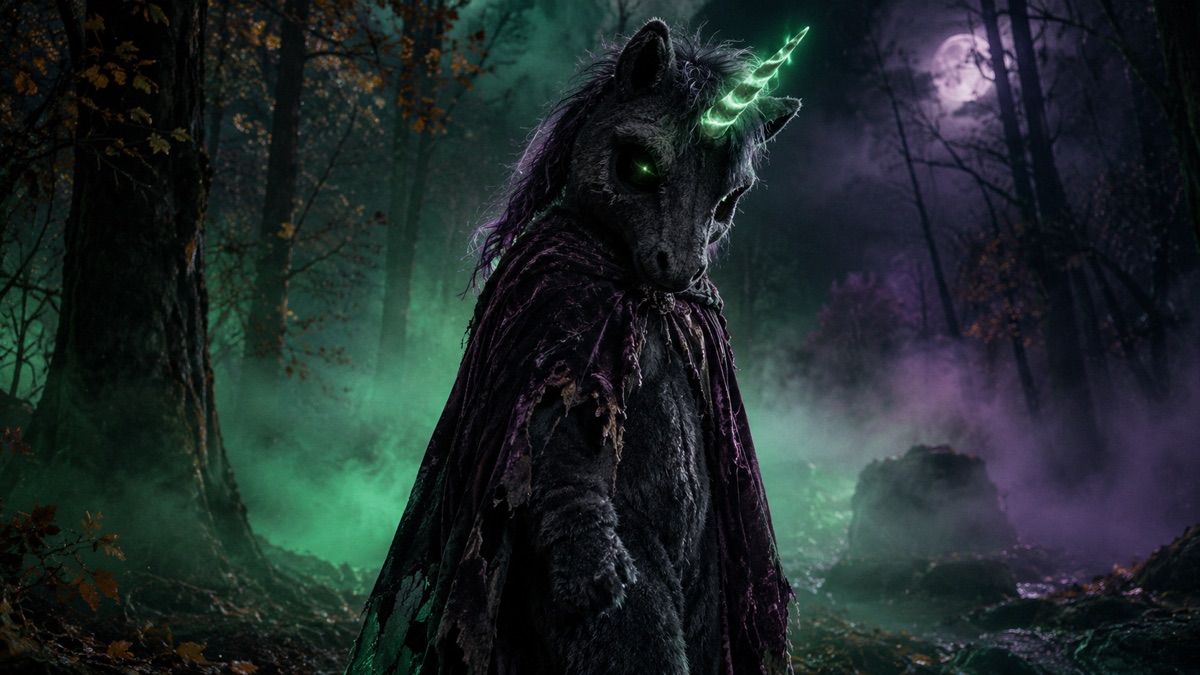 Mascot horror
Haunted Unicorn
An original plush mascot with a twisted glowing horn, charcoal fur and a tattered cape.
Mascot horror
Haunted Unicorn
An original plush mascot with a twisted glowing horn, charcoal fur and a tattered cape.
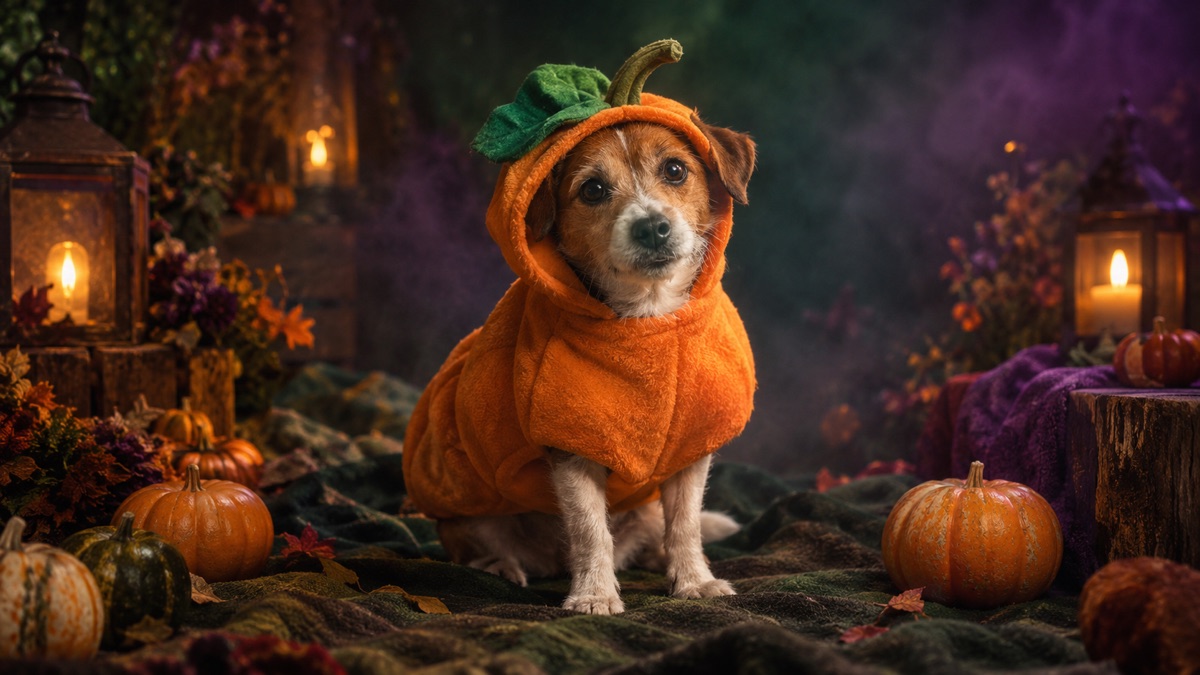 Pet portrait
Pumpkin Pet
A soft pumpkin costume with a green leaf, warm studio light and miniature pumpkins.
Pet portrait
Pumpkin Pet
A soft pumpkin costume with a green leaf, warm studio light and miniature pumpkins.
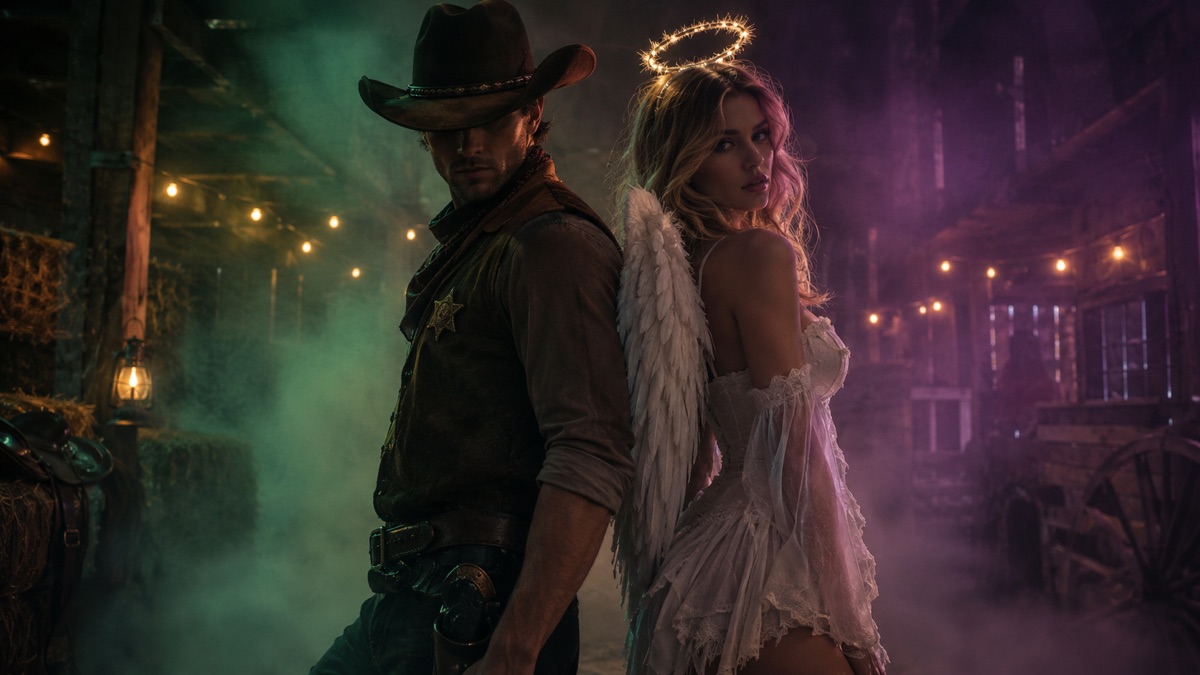 Couple portrait
Cowboy & Angel
A two-person portrait with an original cowboy look and an angel look, no face swaps.
Couple portrait
Cowboy & Angel
A two-person portrait with an original cowboy look and an angel look, no face swaps.
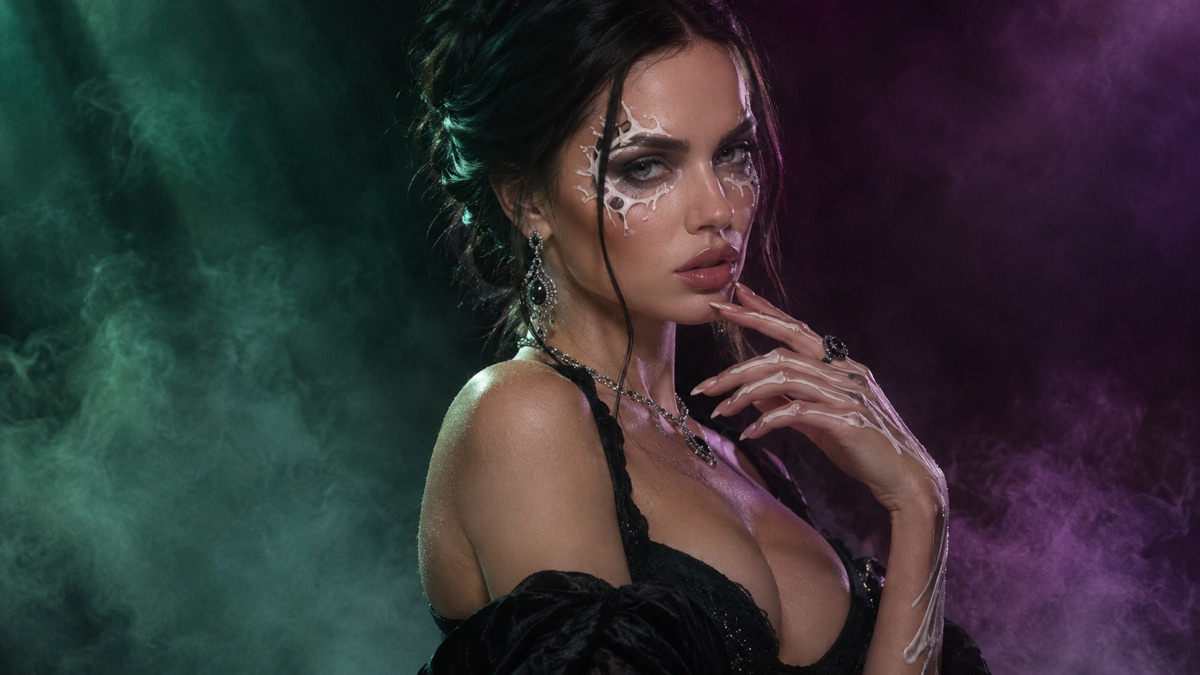 Beauty edit
Skeleton Glam
Decorative bone-inspired makeup, black evening wear and a deep burgundy backdrop.
Beauty edit
Skeleton Glam
Decorative bone-inspired makeup, black evening wear and a deep burgundy backdrop.
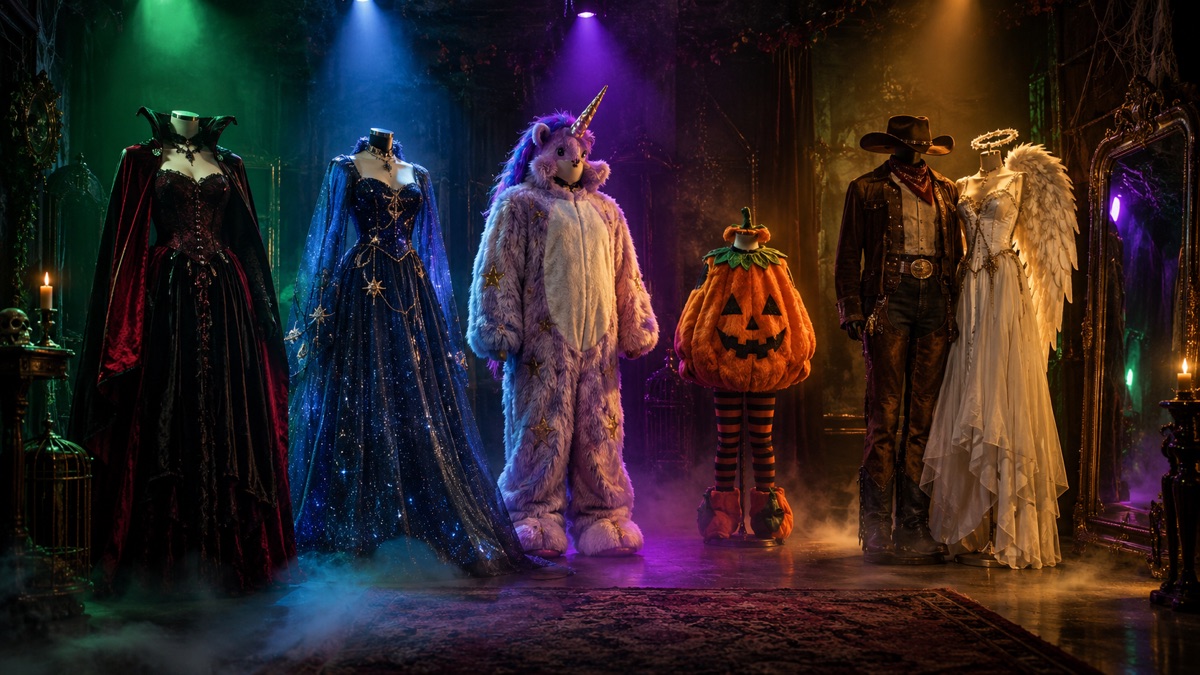 Fantasy portrait
Forest Witch
Moss-green layers, a leaf-covered hat and a lantern in a damp ancient forest.
Fantasy portrait
Forest Witch
Moss-green layers, a leaf-covered hat and a lantern in a damp ancient forest.
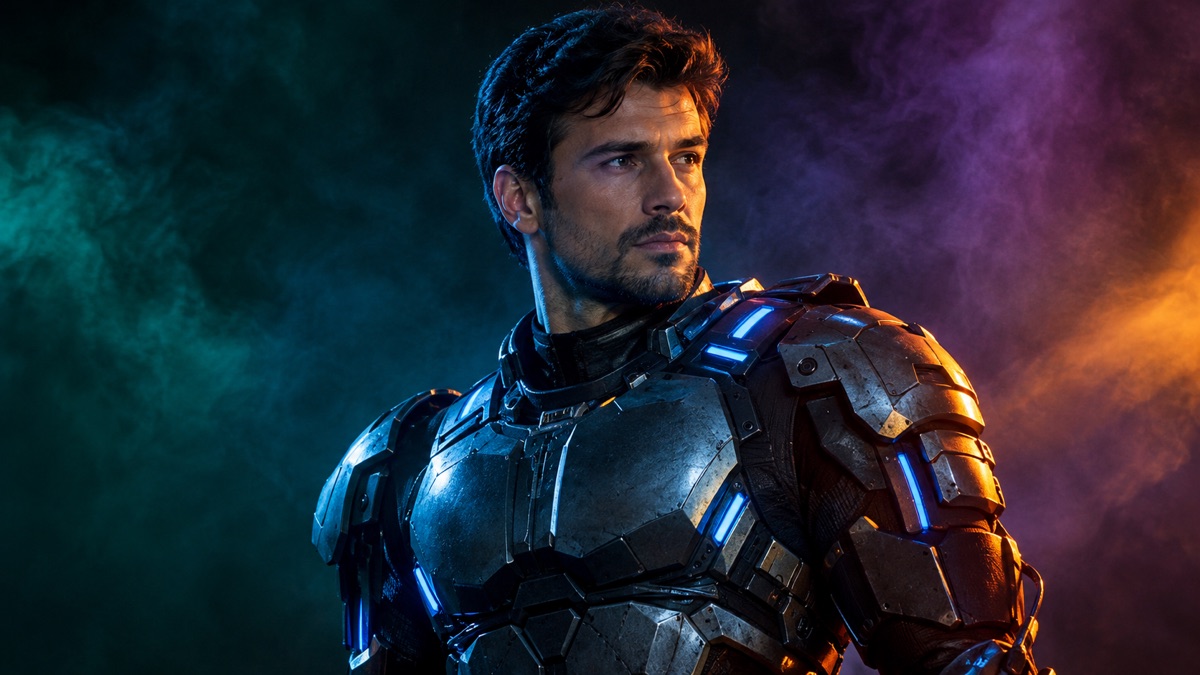 Sci-fi costume
Neon Robot
A wearable metallic costume with blue LED accents under blue-and-orange studio light.
Sci-fi costume
Neon Robot
A wearable metallic costume with blue LED accents under blue-and-orange studio light.
How the studio works
- Choose a preset. The prompt and the negative constraints load with it. You can edit the prompt before generating.
- Add a photo if the mode needs one. The browser resizes it before sending; the site does not keep the file after the request.
- Generate. Stills go to GPT Image 2. Photo edits go to a reference-image model. Video goes to an image-to-video model.
- Inspect and retry. Check the face, hands, costume edges and background text. Change one variable at a time.
The studio is deliberately narrow. It is not a general chatbot and it does not accept arbitrary system instructions. Presets keep the prompt focused on a costume portrait, which is also the safest way to keep generation quality predictable.
Why Halloween 2026 is a real search window
Halloween searches are seasonal, and the seasonal peak is not visible in a monthly average. Google Trends shows the category climbing through September and spiking in the last week of October. Semrush-style monthly estimates are useful for comparing terms, but they are a poor predictor of the peak week.
The practical read is simple: publish the page before the peak, make the tool work on a phone, and watch Search Console for the exact queries that start appearing. A page that answers the query and lets the visitor do something is more useful than a page that only repeats the keyword.
Image-to-video: small motion wins
A five-second clip has room for one idea. A head turn, drifting fog, a flickering candle or a slow push-in is enough. Ask for a costume change, a new camera angle and a character entrance in the same clip and the model will bend the anatomy to fit.
Use the still as the exact starting frame. State what must stay consistent: face, costume, hairstyle, body proportions and lighting. Then state the one motion and the one camera move. Finish with the things that must not appear: cuts, text, watermarks and new people.
If the first clip looks soft, do not add more motion. Generate a sharper still and animate that instead.
Three prompts you can copy right now
Costume portrait. "Use the uploaded photo as the primary reference. Preserve the subject’s recognizable face, skin tone, body proportions and pose. Transform the outfit into an original midnight-blue velvet Halloween costume with silver embroidery. Place the subject in a moonlit garden with soft fog. Photorealistic editorial photography, natural skin texture, cinematic lighting. Keep the same number of people. Avoid altered identity, extra limbs, text and watermarks."
Photo edit. "Edit the uploaded photo. Keep the face, pose and body proportions unchanged. Replace only the background with a foggy Victorian street at night, relight the subject with warm lantern light from the left, and add a subtle film grain. Do not change the outfit. No text, no watermark."
Image-to-video. "Use the provided image as the exact starting frame. Create a continuous five-second shot. The subject turns their head slightly toward the camera, fog drifts through the scene, and the camera performs a slow push-in. Keep identity, costume and lighting consistent. No cuts, no new people, no text."
Rights, privacy and honest limits
Generate original fan work, not a copy of another artist’s illustration or a frame from a film. Do not present a generated image as an official game asset, a real product photo or a picture of someone who did not consent.
Upload only a photo you have the right to use. The studio sends the image to the model provider for the duration of the request; this site does not keep a copy. If you are editing a friend’s photo, ask first. If you are publishing the result, label it as AI-assisted.
Models still make mistakes: hands, jewelry, glasses and thin costume edges are the usual failures. Identity-preserving edits are much better than they were, but they are not a guarantee. Check before you post.
Frequently asked questions
Is this Halloween AI studio free?
The studio has a small free daily quota so the model cost stays bounded. When the quota is used, the prompts and guides remain free to read and copy.
Do I need to upload a photo?
Only for photo editing and image-to-video. A costume portrait can be generated from the text prompt alone.
Which models does it use?
GPT Image 2 for stills, a reference-image model for edits, and Wan image-to-video for five-second clips. Fallback providers are used when a route is unavailable.
Will it keep my face?
The edit prompt explicitly asks the model to preserve identity, pose and body proportions. Results vary, so inspect the face and hands before publishing.
Can I use the result commercially?
Check the model provider terms and the game fan-content policy. Do not sell an image that copies another artist or implies official endorsement.
Why does the studio limit requests?
Image and video generation costs money per call. A daily per-visitor cap keeps the free demo available without turning it into an open API.
Does the site store my photo?
No. The browser resizes the image, sends it for the generation request, and the site does not keep a copy after the response.
What should I do if the result looks wrong?
Change one variable: simplify the background, shorten the prompt, remove jewelry or generate a new still before animating. Do not add more motion to a broken still.